
Setup guide
Play VOID ZOMBIES
From zero to your first game in six steps: Plutonium, your game folder, and you're in the VOID.
- Step 1
Get Black Ops II on Steam
Plutonium needs the game files. Install Call of Duty: Black Ops II from Steam: Zombies mode is included. DLC maps need their map pack (or the Season Pass), see below.
Black Ops II on Steam - Step 2
Create a Plutonium account
Sign up for free on the Plutonium forum. You'll use this account to log in to the launcher.
Create my account - Step 3
Download the launcher
Download plutonium.exe from the official site and run it. If Windows shows SmartScreen, click "More info" then "Run anyway". The launcher installs its files by itself.
plutonium.pw - Step 4
Point it to your game folder
In the launcher, log in, pick Black Ops II → Zombies, click SETUP and select the game folder (not your whole C:\ drive). Steam's default is:
C:\Program Files (x86)\Steam\steamapps\common\Call of Duty Black Ops II - Step 5
Join VOID
Click PLAY. In the server browser, search "VOID", or open the console (~ key) and paste the command below. The VOID mod downloads by itself the first time you join.
Plutonium · console]connect 95.170.30.80:4977 - Step 6
Link your account
In-game, type .link then confirm on our Discord: +100,000 $ in your bank, GobblePacks, the daily reward and every site feature.
Join the Discord
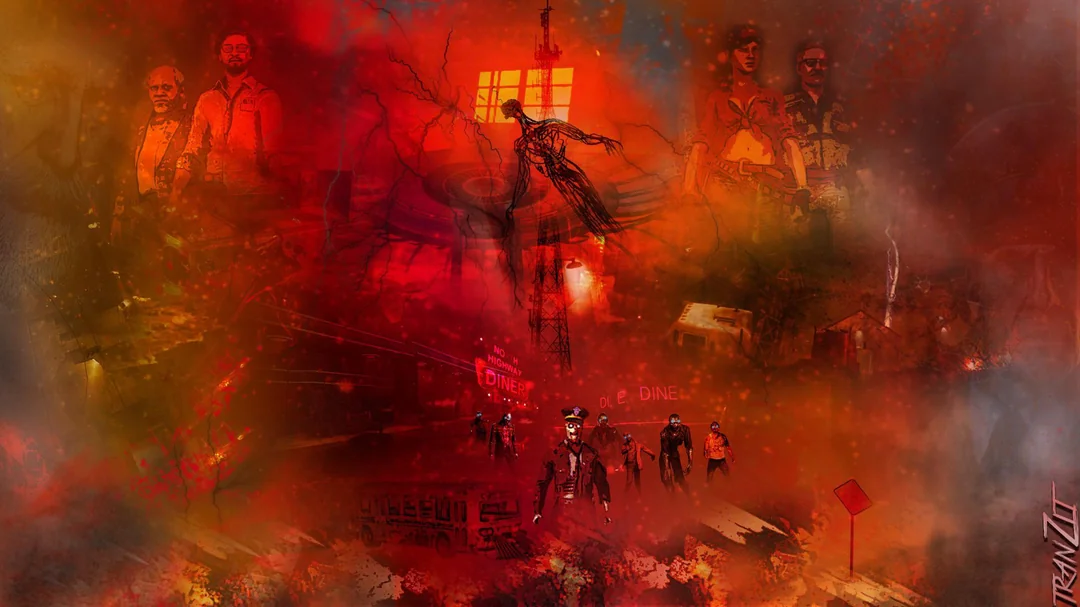
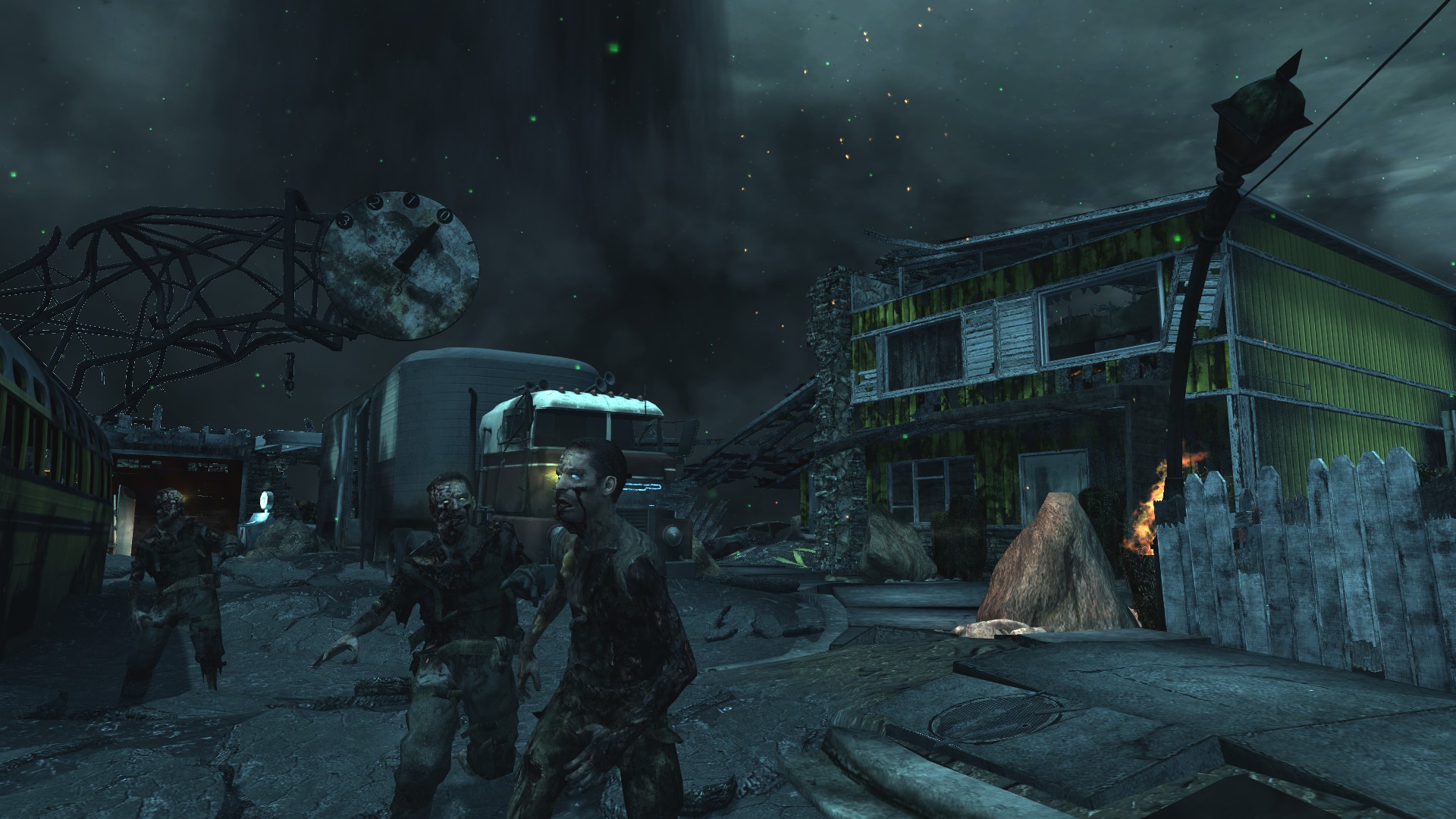
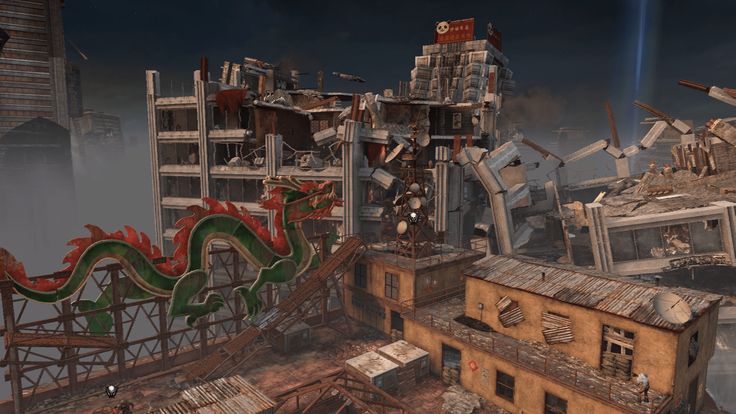
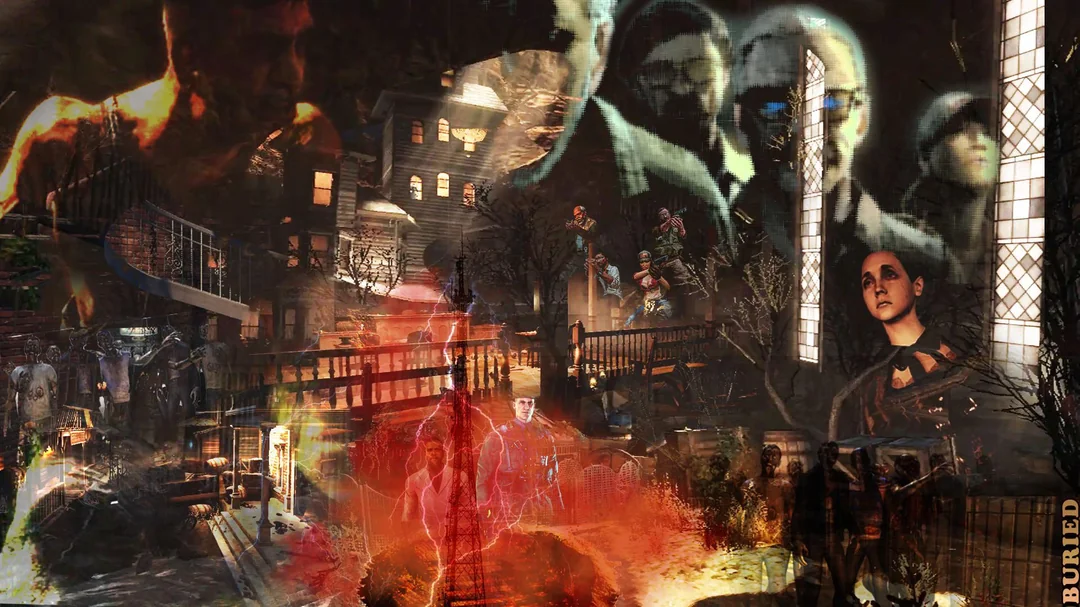
Which maps need which pack?
The base game is enough to start. Each DLC map unlocks with its Steam pack (or the Season Pass).

Having trouble?
+"The folder doesn't contain the game files"
You picked the wrong folder. Click "Game settings" next to PLAY and select the Call of Duty Black Ops II folder itself.
+I can't join a map (Origins, Buried…)
You're missing its DLC pack on Steam. TranZit, Town and Farm are in the base game; the other maps each need their pack.
+The mod download fails
Close the game completely, restart Plutonium and join again: the download resumes. If it keeps failing, come to the Discord and we'll help.
+The server refuses my connection
It may be full, or locked by its players with .lock. Try another VOID server: the live list is on the Servers page.


